The Question We Get Every Week
Someone emails us with a design they made themselves — sometimes in Canva, sometimes from an AI generator, sometimes a logo their nephew built in Illustrator. They want to know: “Is this good enough to make into a patch?”
The honest answer: sometimes yes, sometimes no, and sometimes “yes, but it needs work.” The real question isn’t whether your design is good — it’s whether it’s right for embroidery. Those are two very different things.
This guide breaks down exactly when DIY works, when professional design is worth the investment, and what you actually get for free versus what costs money when you order from us.
What “Designing a Patch” Actually Means
There’s a difference between creating an image and creating a patch design. A patch design has to work within hard physical constraints:
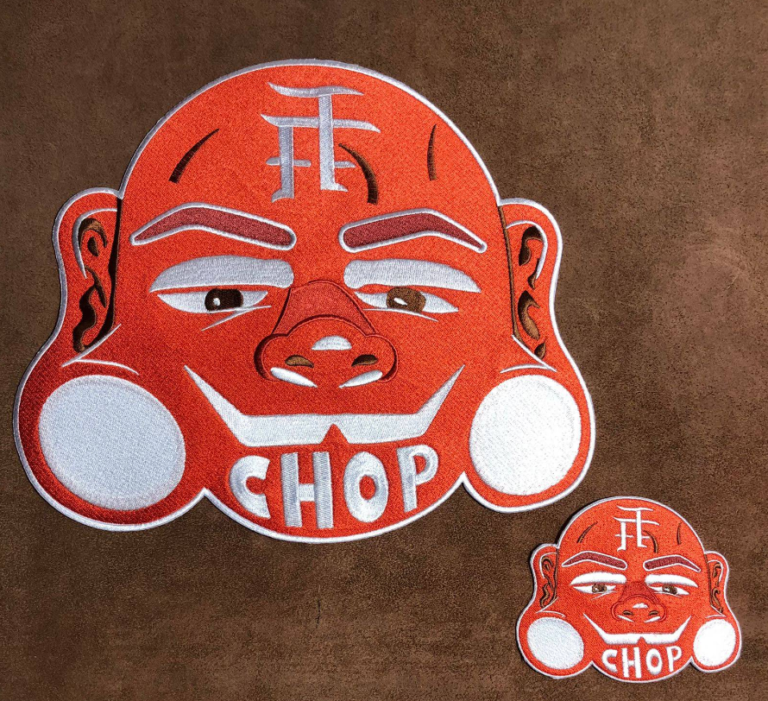
- Thread is not ink. You can’t print gradients, photorealistic textures, or hair-thin lines in thread. What looks perfect in Photoshop may be impossible to stitch at 3 inches.
- Size determines detail. A design with 12 colors and fine line work might be perfect at 10 inches and completely unreadable at 2.5 inches.
- Stitch count affects cost. A highly complex design with dense fill stitching costs more to produce than a clean, simplified version of the same concept.
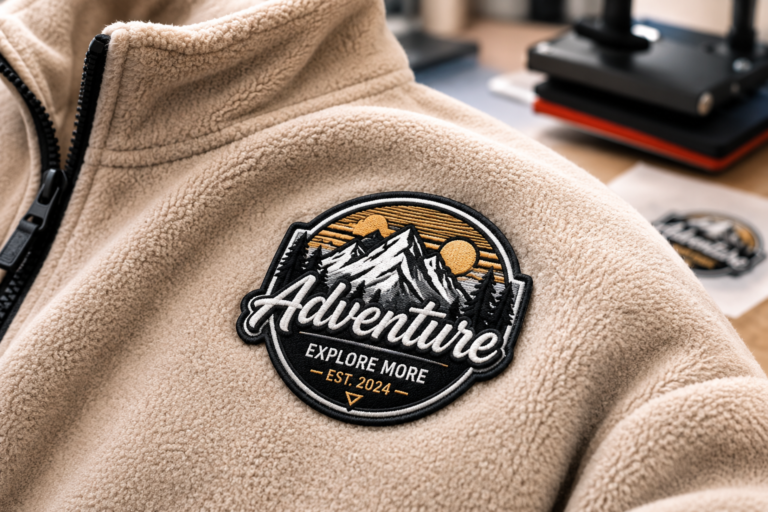
- Borders matter more than you think. A clean merrowed or satin-stitch border is what makes a patch look finished and professional. It’s often an afterthought in DIY designs.
Understanding these constraints is what separates a design that works from one that doesn’t. A professional patch designer knows them instinctively. A DIY designer needs to learn them — or work with someone who does.
When DIY Works Fine
DIY design works well in several scenarios. If your design falls into any of these categories, you’re probably in good shape:
Simple, Bold Logos
A logo with 2–4 solid colors, clear shapes, and no fine detail translates beautifully to embroidery. Think bold text, clean icons, geometric shapes. If your design looks good at small size without losing any detail, DIY is fine.
Text-Only or Text-Primary Designs
A patch that’s primarily text — a name, a slogan, a location — is straightforward to produce. The main constraint is font choice: thin serif fonts lose detail at small sizes. Bold, clean sans-serif fonts work best. If you’re designing text-based patches, DIY with a basic tool is completely adequate.
AI Designs With the Right Prompt
AI image generators can produce excellent patch design starting points — if you use the right prompt. The key phrase: “simplified for embroidery.”
A prompt like “bold mascot logo, simplified for embroidery, 4 colors maximum, thick outlines, no gradients” will produce something much closer to a workable patch design than a prompt that just asks for a photorealistic image. The AI will simplify shapes, reduce colors, and avoid the photorealistic detail that embroidery can’t replicate.
From there, our digitizer takes your AI design and converts it to a production-ready embroidery file. We’ll show you a digital mockup so you can see exactly how it will stitch before a single thread moves.
Existing Brand Logos
If you already have a brand logo in vector format (AI, EPS, or SVG), that’s usually all we need. A clean vector logo digitizes cleanly, especially if it’s already using a limited color palette and bold shapes. Send us the file and let us evaluate it — most established brand logos work well without any design changes.
When Professional Design Is Worth It
There are scenarios where investing in professional patch design pays for itself immediately:
Complex or Detailed Artwork
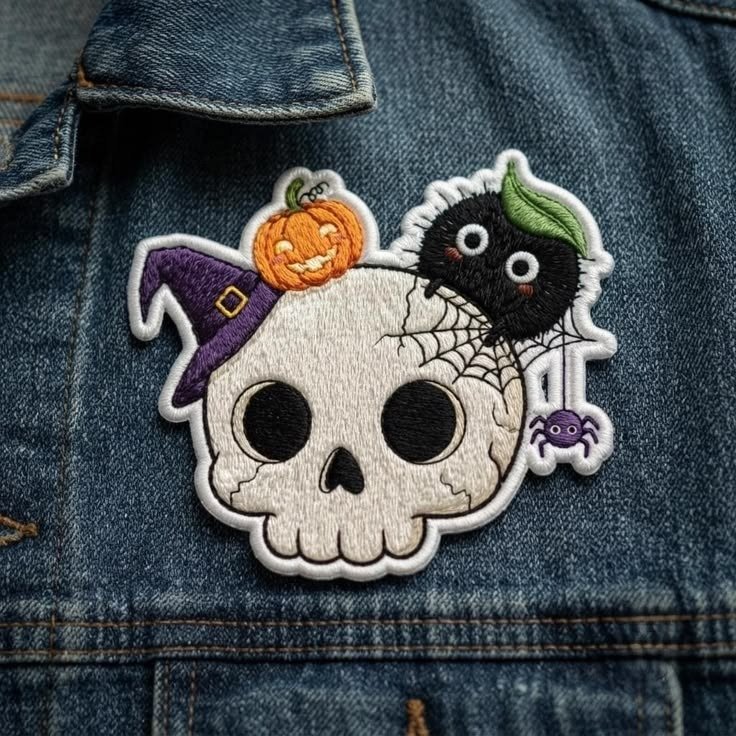
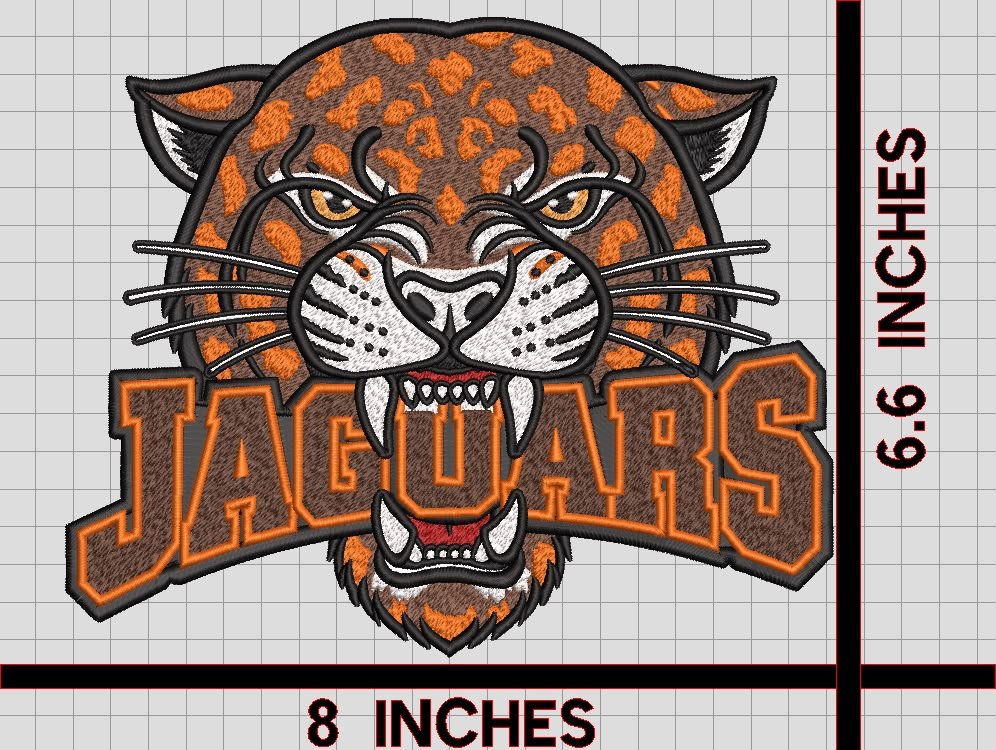
If your concept involves a detailed scene, realistic portrait, intricate mascot, or layered imagery, a professional patch designer will save you multiple revision cycles. They know how to simplify complexity into something that stitches cleanly without losing the essence of the design.
Patch Shape Is Part of the Design
The shape of the patch itself is a design element. A shield, a star, a custom silhouette — these require intentional design work to look right. If the shape matters (as it does for police, military, fire, and fraternal patches), professional design ensures the shape, interior elements, and border all work together.
You Need Multiple Sizes
A design that works at 4 inches may need to be redesigned for 2 inches. Line weights change, details get dropped, color counts sometimes simplify. A professional will create size-specific versions of your design so each size looks intentional, not like a shrunken version of the larger patch.
Brand Coherence Across a Product Line
If you’re a brand launching a patch-based product line — multiple designs, multiple placements, multiple garment types — professional design investment keeps everything coherent. The patches look like they belong together. That coherence is worth more than the design cost when it comes to brand perception and customer loyalty.
High-Stakes Applications
For police, military, fire department, and other official patches, design accuracy matters. Insignia, rank markings, and department identifiers have to be exactly right. Professional design with expert digitizing ensures compliance and accuracy.
What’s Free vs. What Costs Money
Here’s exactly what you get from us at no extra charge, and where costs come in:
Always Free
- Digitizing: We convert your design into a production-ready embroidery file at no charge. This is included in every order.
- Digital mockup: Before production, you get a digital mockup showing exactly how your patch will look in thread. Free, always.
- Physical sample with photos: We stitch a physical sample and send you photos before bulk production. Free. Most competitors charge for this.
- Design feedback: If your design has issues — details that won’t stitch at size, colors that don’t match thread options — we’ll tell you and suggest fixes before production.
- Revisions on the mockup: If the mockup isn’t right, we adjust. No charge for reasonable revision rounds.
When Design Fees Apply
- Starting from scratch: If you have no design at all and need a patch concept created from zero, our design team can build it. This is a paid service, priced based on complexity.
- Major redesign: If your design needs significant rework to be embroidery-ready — not just digitizing, but actual design changes — there may be a design fee depending on scope.
The practical reality: most customers come to us with something — a logo, an AI image, a sketch, a reference image. In most cases, we can work with what you have and digitize it at no extra charge. Pure design-from-scratch is the exception, not the rule.
The Smartest Approach: Start With a Reference
You don’t need a perfect design to get started. You need a clear concept. Here’s the fastest path from idea to finished patch:
- Find 2–3 reference images that capture the style, shape, or feel you’re going for. They don’t have to be patches — they can be logos, illustrations, or photos.
- Describe what you want in simple terms: “A bulldog mascot, shield shape, 3 colors, bold outline, for a youth football team.”
- Send it to us via the contact form or get a quote. We’ll evaluate what you’ve got and tell you what’s possible.
- Review the digital mockup. You’ll see exactly what the patch looks like before production. Approve it, request changes, or go back to the drawing board — your call, no cost.
That’s the process. No design degree required. No expensive software. Just a clear idea and someone who knows how to translate it into thread.
Related Reading
- AI-Generated Patch Designs vs. Real Embroidery — What actually changes when your AI design becomes a stitched patch
- Embroidered Patch Placement & Sizing Guide — Get your sizing right before you finalize your design
- How Streetwear Brands Stand Out With Patches — Design strategy for brands building premium patch-based products
- Embroidered vs. PVC vs. Chenille Patches: Real Durability Data — Choose the right material once your design is ready